How to Create a Subaccount on Binance (Step-by-Step Guide for 2025)
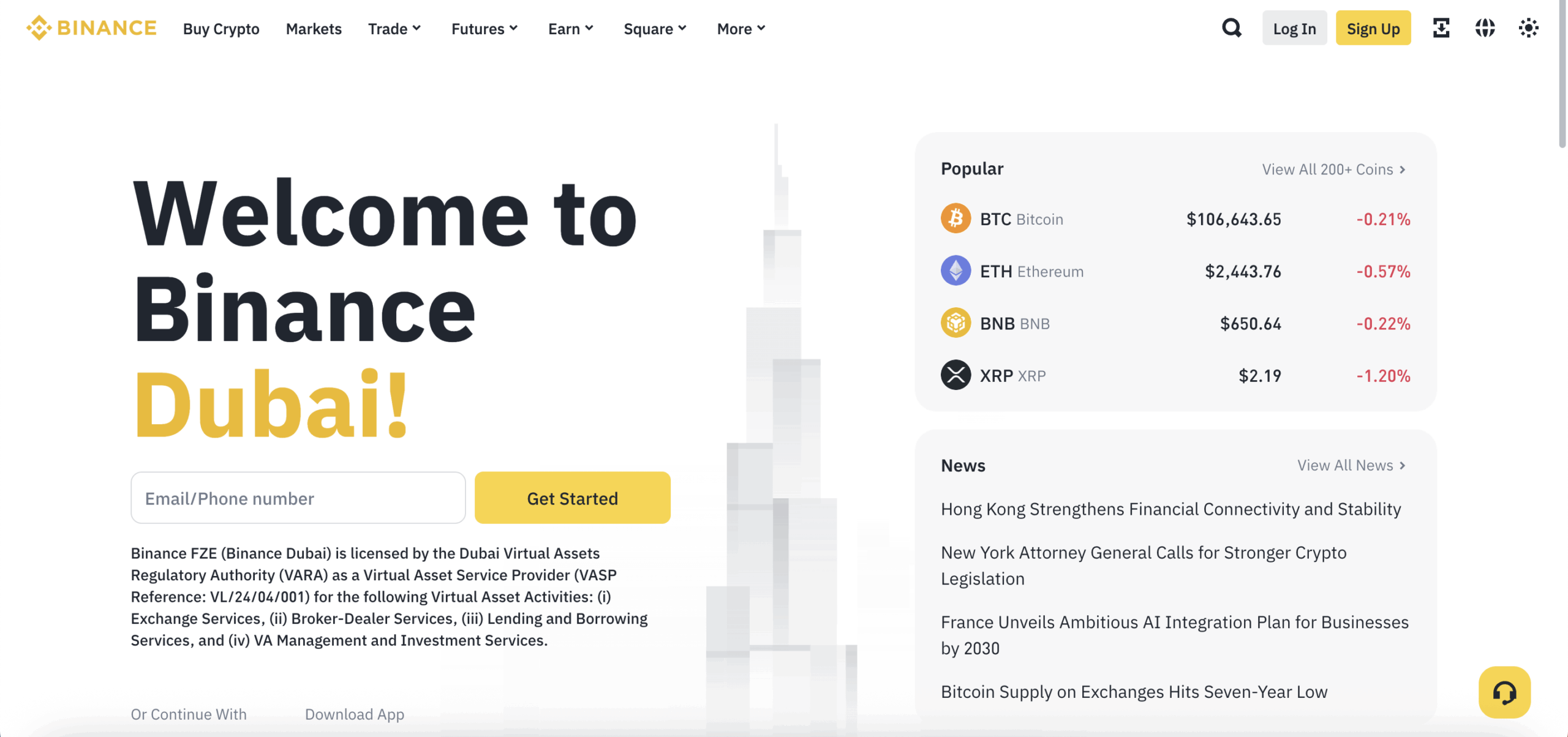
Whether you’re managing multiple portfolios, running a trading team, or separating strategies for tax and security reasons, Binance’s subaccount feature is an incredibly powerful tool. It allows users—primarily institutions and advanced traders—to manage multiple trading accounts under one master account with full control and visibility.
In this comprehensive guide, you’ll learn what subaccounts are, why they matter, and how to create a subaccount on Binance in just a few easy steps.
And if you’re new to Binance, start here with an exclusive welcome bonus:
👉 Sign up now with Binance and receive up to $600 in trading rewards (affiliate link)
📌 What Is a Subaccount on Binance?
A subaccount is essentially a secondary account that exists under a primary (or master) Binance account. Think of it as creating separate user environments—each with its own login credentials, balances, API keys, and permissions—while still being connected to your central account.
Subaccounts are ideal for:
- Institutions managing client portfolios
- Hedge funds or proprietary traders running multiple strategies
- Crypto businesses segregating funds for different purposes
- Advanced retail traders separating high-risk and low-risk strategies
- Families or teams sharing a master Binance account securely
🔒 Benefits of Using Binance Subaccounts
Using subaccounts offers more than just convenience—it’s about security, organization, and performance. Here’s why many traders prefer them:
✅ 1. Independent Trading Environments
Each subaccount has its own balances, orders, and API access, meaning you can assign strategies or roles to each without overlap.
✅ 2. Centralized Control
The master account can monitor all subaccount activity and transfer funds between accounts without blockchain fees.
✅ 3. Enhanced Security
You can assign 2FA, API keys, and permissions per subaccount, reducing the risk of compromise across your main account.
✅ 4. Streamlined Accounting & Reporting
Track each account’s performance and trade history individually—critical for audits, taxes, or managing client funds.
✅ 5. Access to VIP Features
Subaccount users share fee tiers and trading volume benefits, making it easier to qualify for Binance VIP levels.
⚠️ Who Can Use Subaccounts on Binance?
Subaccounts are available for:
- Verified Institutional Accounts (businesses, funds, or trading firms)
- High-volume users under Binance VIP 1 or higher
- Eligible retail accounts meeting certain criteria
To check your eligibility:
- Log in to your Binance account
- Go to Subaccounts
- If you see the option to create subaccounts, your account is eligible
New to Binance? 👉 Create your free Binance account here and claim up to $600 bonus
🛠️ How to Create a Subaccount on Binance: Step-by-Step
Here’s a detailed walkthrough of how to set up a subaccount:
✅ Step 1: Log In to Your Binance Account
- Visit binance.com and log in
- Make sure your account is verified (KYC completed)
If you’re not yet signed up, register here to access all features.
✅ Step 2: Go to Subaccount Dashboard
- Hover over your profile icon in the top-right
- Click on Dashboard
- Navigate to Subaccounts (in the left menu)
Tip: If you don’t see the Subaccount option, you may need to upgrade to a Binance Institutional Account or meet certain trading volume criteria.
✅ Step 3: Click “Create Subaccount”
Once you’re in the Subaccounts panel:
- Click the “Create Subaccount” button
- Enter a unique email address and password for the subaccount
- Set account-specific labels or notes (optional)
The email doesn’t have to be verified like a main Binance account but must not already be registered on Binance.
✅ Step 4: Set Permissions and Security
You’ll be prompted to:
- Enable or disable API trading for the subaccount
- Set withdrawal permissions
- Add 2FA settings for the subaccount
- Choose trading pairs and access limits
These granular controls are excellent for team-based operations or automated bots.
✅ Step 5: Fund Your Subaccount
There are two main ways to transfer funds:
🔁 Internal Transfer (Instant & Fee-Free)
- Go to the Subaccount section
- Click “Transfer” beside the subaccount
- Choose the token and amount
- Click Confirm
No blockchain confirmation is needed. Transfers are instant and free between main and subaccounts.
✅ Step 6: Monitor & Manage
You can now:
- View balances, PnL, orders, and trades
- Freeze or unfreeze a subaccount
- Reset passwords or security settings
- Export reports for accounting or compliance
All activity from subaccounts is visible in your master dashboard for transparent oversight.
🔄 Bonus: How to Delete or Disable a Subaccount
While you can’t fully “delete” a subaccount once it’s created, you can:
- Freeze the subaccount to block access
- Remove trading permissions and API keys
- Withdraw funds back to the master account
- Disable logins or resets
This allows you to temporarily deactivate or retire unused accounts without loss of data.
💡 Pro Tips for Subaccount Management
- Use labels or naming conventions to keep accounts organized (e.g., “AlgoBot1”, “FundA”, “DeFi Wallet”).
- Set non-withdrawable permissions for accounts with bots or junior traders.
- Regularly audit activity to ensure no unauthorized access or unexpected trades.
- Utilize IP whitelisting for API-enabled subaccounts.
- Sync subaccount usage with your VIP tier strategy to maximize fee discounts.
🚀 New to Binance? Claim Your Bonus Today
Before diving into subaccounts and advanced tools, make sure your Binance account is set up correctly and eligible for all features.
👉 Sign up through this Binance link to get up to $600 in bonuses (affiliate link)
Benefits include:
- Welcome trading rewards
- Reduced trading fees
- Early access to new features like subaccounts, VIP tiers, and more
📚 Final Thoughts
Binance subaccounts are one of the most underutilized features by even experienced traders. Whether you’re managing multiple strategies, working with a team, or just want to keep things organized, they offer incredible flexibility, control, and security.
Take advantage of this powerful tool—and don’t forget to claim your bonus if you’re just getting started.
👉 Join Binance here and unlock up to $600 in rewards